
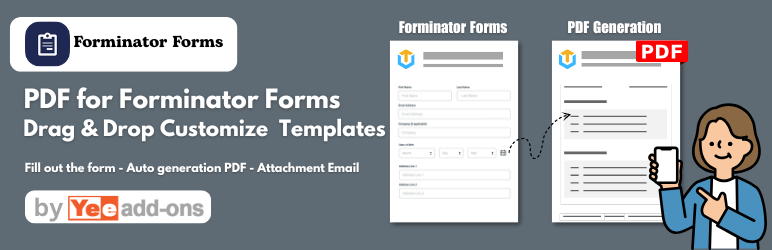

Automatically generate, email and download PDFs with Forminator Forms
DEMO VIDEO
Forminator Forms PDF is a helpful tool that helps you build and customize the PDF Templates for Forminator Forms. The plugin provides sufficient base elements and Gravity Forms elements as well as developmental tools for users to build a completed pdf. You can easily drag and drop, edit and style for transaction pdf using Layouts, insert desire contents with no coding knowledge required, and adds a PDF to the email sent out to your customers. Overall, you need to do is a couple of mouse clicks to create and experience your pdf template that will be sent to your customers.

MAIN FEATURES
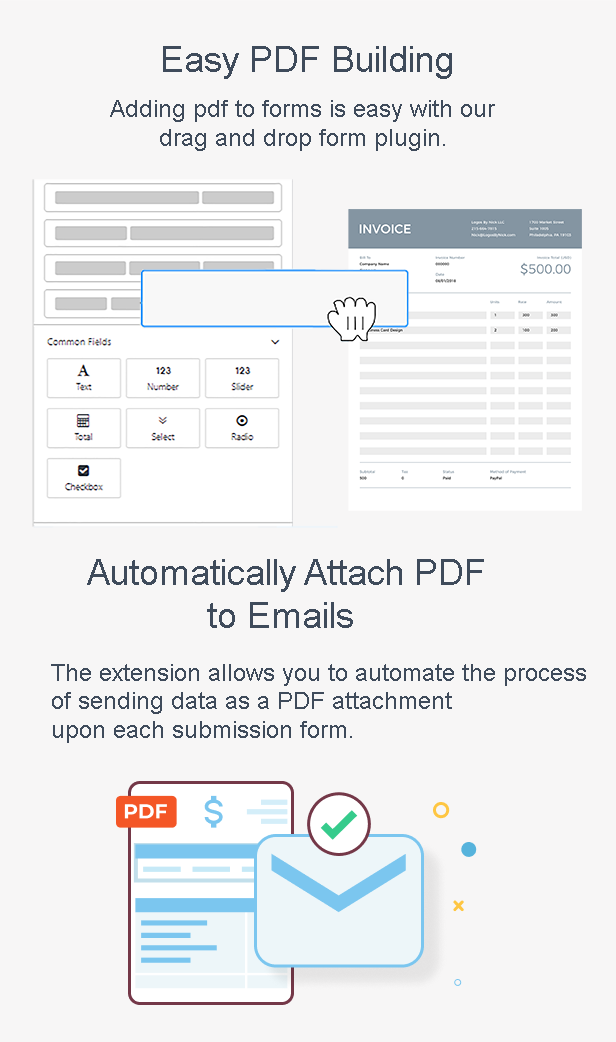
- Easily drag and drop elements to build and customize PDFs:
- The user-friendly pdf template builder allows you to build professional and outstanding Forminator Forms PDF templates.
- Automatically email the PDF to both the admin and the user as soon as the form is complete
- Download the PDF from the order admin page
- Customize pdf template by adding your store logo, store name, and more..
- Live Preview of Changes – visually observe pdfs by the preview, update any changes in the preview mode!
- RTL Support
- Choose template available
- Manager Fonts
- Choose Paper Size, DPI,..
- Multi language support
- Signature fields support
- Conditional Logic Support
- And more…
ELEMENTS
BASIC ELEMENTS
- Layouts: 6 Grid Layouts
- Text: Add text content or shortcode and customize font style, font size, background color, color, link, padding, heading,…
- Image: Add Image and customize URl, Alt, background, Text align, Width, Height, padding
- Divider: Add a single line divider and choose height, color and padding
- Spacer: Add a space between other elements and choose height, backgroud and padding
- Barcode: Add Barcode to your pdf which are scannable from a cellphone. Create easy to use packing slips, gift cards or coupon codes!
- Qrcode: Add Qrcode to your pdf which are scannable from a cellphone. Create easy to use packing slips, gift cards or coupon codes!
- All Submitted Fields: Display All submitted Field with customization for the color, size, and alignment of the heading and details separately. Also, customize the borders, background color, padding, margin.
- All Pricing Fields: Display All Pricing Field with customization for the color, size, and alignment of the heading and details separately. Also, customize the borders, background color, padding, margin
- Each Submitted Fields: Display for each submitted Field with customization for the color, size, and alignment of the heading and details separately. Also, customize the borders, background color, padding, margin
Joshua Allen (store manager) –
We use Forminator to collect job applications and digital contracts, and this plugin has completely automated our workflow. The moment a user submits a form, it generates a beautifully formatted PDF with all the submitted data and emails it straight to our HR department. It handles signature fields and file uploads flawlessly. Highly recommended!
Kenneth King (store manager) –
I’ve tried a few PDF extensions for WordPress forms, but this one is by far the most stable. Mapping Forminator fields into the PDF template is seamless. The design layout looks highly professional, and you can easily add custom headers, footers, and company logos. It has run perfectly without a single glitch across thousands of monthly submissions.
Kevin Wright (store manager) –
Feature-wise, this plugin does exactly what it promises. Generating dynamic PDFs from Forminator submissions is smooth, and the conditional logic for attaching PDFs to specific emails works great. However, I’m knocking off one star due to support. We ran into a minor font rendering issue with non-Latin characters, and it took support almost 3 days to provide the necessary custom CSS snippet. The software is solid, but the response time needs to be faster.