
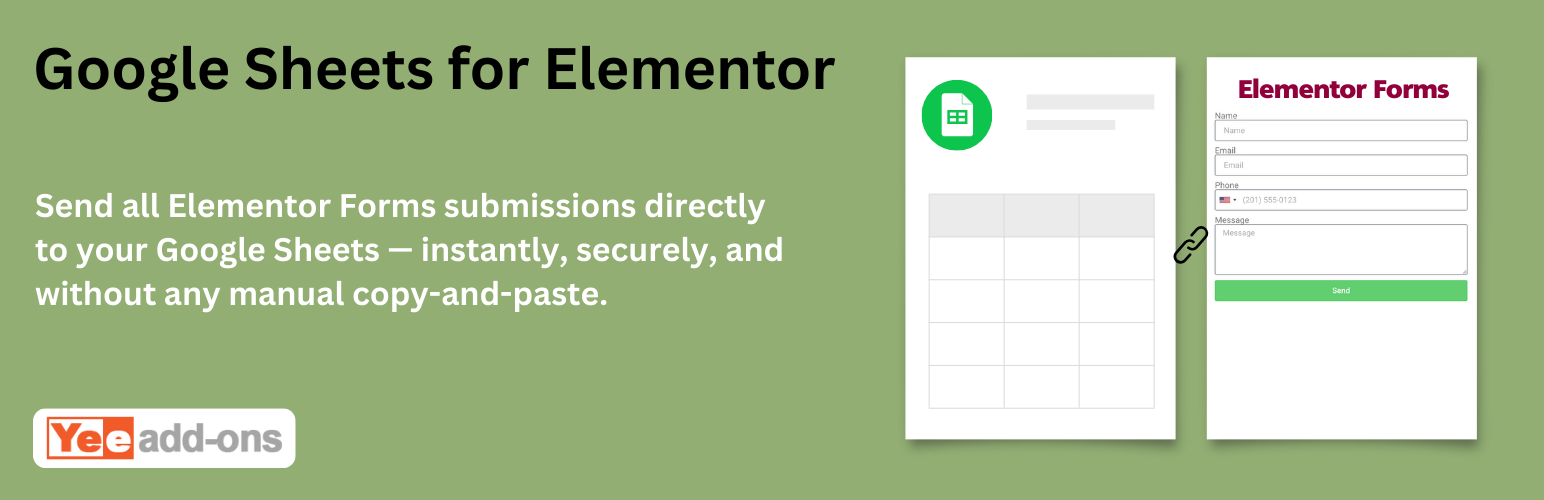

The Google Sheets for Elementor Forms Pro addon allows you to automatically send all Elementor Forms submissions directly to your Google Sheets — instantly, securely, and without any manual copy-and-paste.
Key Features
How It Works
This add-on is also available in the Elementor Forms Add-on Bundle – Save up to 90%
Related plugins

Input Masks for Elementor Forms Pro
Input Masks for Elementor Forms is an add-on plugin for Elementor Forms that enables you to apply input masks to form fields. Input masks guide users to enter data in the correct format, such as phone numbers, postal codes, credit card numbers, or other specific types of information. With an input mask, placeholder characters appear […]

Camera for Elementor Forms Pro
Let users capture photos or record videos directly from their device camera.

Range Slider for Elementor Forms Pro
A range slider is a type of input field that allows users to select a value within a specified range by sliding a handle or marker along a visual slider track.

Cost Calculator for Elementor Pro
Plugins allows you to create dynamic forms with calculation fields for pricing or cost estimation purposes.
Ronald Hill (store manager) –
We run multiple landing pages using Elementor Forms, and this plugin has completely replaced the need for expensive Zapier subscriptions. The moment a user submits a form, the data pops up in Google Sheets instantly (literally under a second). Setting up the field mapping is incredibly intuitive. It just works, every single time!
Sarah Flores (store manager) –
I use this plugin across 15+ client websites to track contact forms, event registrations, and quote requests. The ability to create a new sheet directly from the Elementor dashboard or connect to an existing spreadsheet is super smooth. It handles custom fields and hidden tracking data perfectly. A reliable, lightweight, and brilliant extension!
Karen Green (store manager) –
The plugin itself deserves 5 stars. It does exactly what it promises—syncing Elementor Form entries to Google Sheets without any lag, and it even supports multiple forms feeding into different tabs of the same sheet. However, I’m knocking off a star because of customer support. We ran into a temporary API authorization loop after changing our Google Cloud credentials, and it took support nearly 3 days to reply with a guide on how to reset the token. The plugin is rock solid, but the helpdesk speed needs improvement.”